o
p
t
i
m
a
r
o
b
o
t
i
c
s

Make a Call


Make a Call
Blogs
7 Tips for Choosing the Right HDMI Extender TX?
Choosing the right Hdmi Extender Tx can determine whether a video system feels professional or frustrating. A transmitter must move stable signals across the required distance. It must also match the display, source, cable, and receiver.
Jeff Boccaccio, founder of DPL Labs and a respected HDMI testing specialist, offers a practical warning: “A system is only as good as its weakest link.” His point matters in real installations. A powerful transmitter cannot repair poor cabling, incompatible EDID settings, or insufficient bandwidth. Small details often decide the result.
This guide presents seven practical tips for selecting an Hdmi Extender Tx with greater confidence. It examines signal resolution, refresh rate, HDCP support, transmission distance, and cable construction. It also considers copper and fiber options, installation environments, latency, and future equipment upgrades. A transmitter rated for 4K may not support every 4K format. That distinction is easy to miss.
Look closely at the specifications.
A conference room may need reliable switching between several laptops. A home theater may require smooth HDR playback over a longer route. Digital signage may prioritize uptime over advanced gaming features. These situations need different solutions. Even experienced installers can choose too quickly when product descriptions sound similar. Testing the complete signal path remains wise. Marketing claims alone are not enough.
The following tips help connect technical specifications with practical performance. They also encourage a more careful question: will this Hdmi Extender Tx still meet the system’s needs after installation?
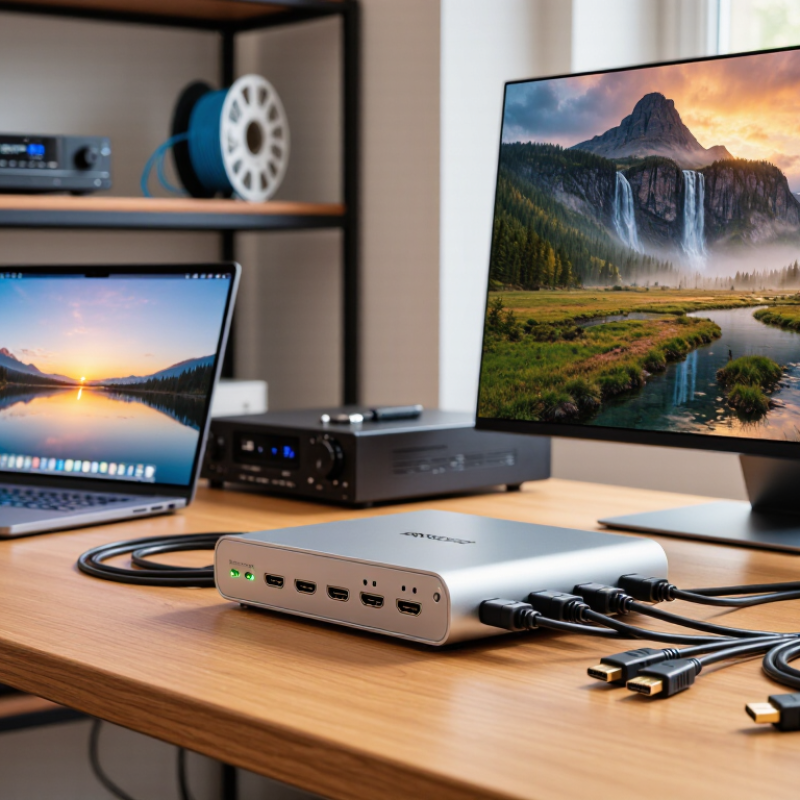
Table of Contents [Hide]
Understand the Role of an HDMI Extender TX
7 Tips for Choosing the Right HDMI Extender TX
Understand the Role of an HDMI Extender TX
An HDMI extender TX is the transmitter unit placed near the video source. It converts and sends HDMI signals across longer copper or fiber links. The receiver then restores the signal near the display. This role is easy to misunderstand. The TX does not improve weak content quality. It mainly preserves signal integrity across distance.
Check resolution, refresh rate, color depth, and audio formats before purchasing. The HDMI Forum’s HDMI 2.1 specification supports bandwidth up to 48 Gbps, but every device in the chain must support the required data rate. A 4K signal at 120 Hz demands far more capacity than 4K at 30 Hz. Cisco’s Annual Internet Report projected video would represent 82% of internet traffic by 2022, showing why stable video transport matters in modern installations. Yet online video data does not automatically equal HDMI compatibility.
Look for EDID management, HDCP support, reliable power delivery, and low processing latency. Also inspect the cable category, maximum tested distance, and connector strain relief.
I once trusted a clean specification sheet too quickly. The system passed a short test, then failed after a 30-meter installation. That mistake taught me to test the complete chain. Include the source, TX, cable, receiver, display, and audio equipment. Small details matter. A TX with loop-through output can simplify monitoring, while status indicators can expose power or link faults before the screen turns black.
Brands
Proudly Trusted by Top Suppliers Worldwide







Let us know and we will automate, together to fit your industrial needs.
 +91-97254 16844
Clients
Proudly Trusted by Top Companies Worldwide


Do you need Help? Get in touch.
X
Please fill out the form below and we will get back to you as soon as possible.