o
p
t
i
m
a
r
o
b
o
t
i
c
s

Make a Call


Make a Call
Blogs
What Is a Study Desk and How to Choose the Right One?
A Study Desk is more than a flat surface with four legs. It is a dedicated area that supports reading, writing, computer work, and focused learning. The right desk should fit the user, the room, and the tasks performed every day. A desk that looks attractive may still feel uncomfortable after thirty minutes.
Ergonomics researcher Dr. Alan Hedge offered a useful reminder: “The best posture is the next posture.” This principle matters when choosing a Study Desk. Look for a height that lets your elbows rest near a right angle. Your feet should touch the floor, while the monitor stays close to eye level. A desk around 120 centimeters wide may suit a laptop, notebook, lamp, and small organizer. Measure the available space before buying. It prevents an expensive surprise.
Storage also deserves careful attention. Drawers can hide stationery, but oversized cabinets may reduce legroom. Cable openings help keep chargers from forming a tangled pile. Stable construction matters, especially when the desk holds books or a monitor arm. Materials should be inspected for sharp edges, weak joints, and difficult-to-clean surfaces.
Personal preference still matters. Some users need adjustable height, while others prefer a compact corner desk. No desk solves every problem. Poor lighting, an unsuitable chair, or constant phone alerts can defeat a good setup. I once underestimated how much legroom affects concentration. That mistake is easy to repeat. The best choice comes from observing real habits, checking measurements, and accepting that comfort may matter more than appearance.
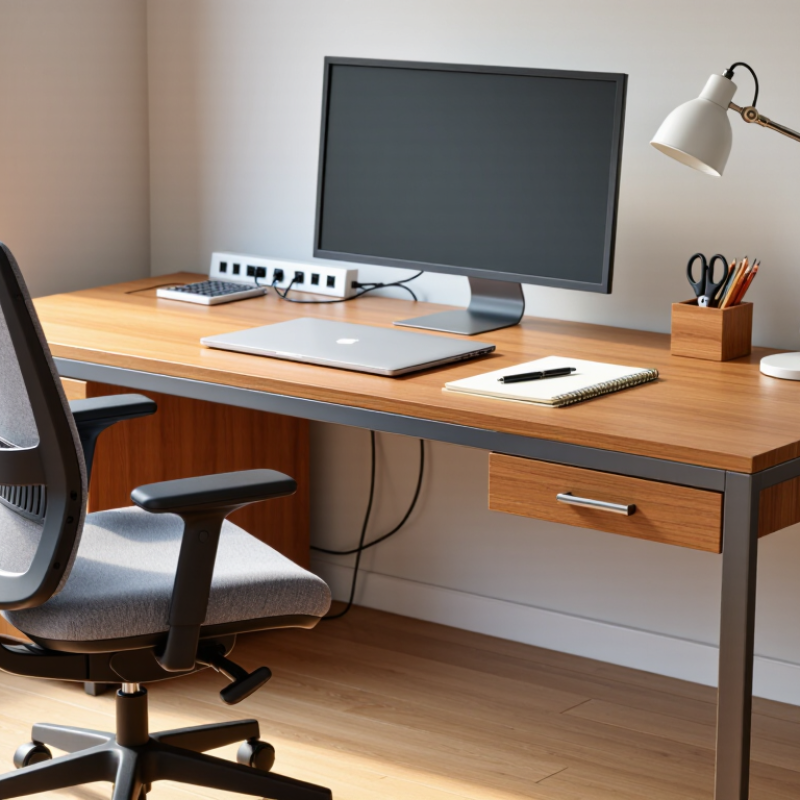
Table of Contents [Hide]
What Defines a Study Desk? Purpose, Components, and ISO 9241-5 Principles
What Is a Study Desk and How to Choose the Right One?
A study desk is a work surface designed for reading, writing, drawing, and computer use. Its purpose is not decoration. It should support steady concentration while reducing awkward body positions. A useful desk usually includes a stable top, leg clearance, storage, and space for study tools. Cable openings and a monitor stand can also improve daily use. However, extra features may reduce legroom. More is not always better.
ISO 9241-5 focuses on ergonomic workstation design and postural requirements. It does not provide one perfect desk size for every learner. Instead, it emphasizes adjustability, comfortable reach, adequate clearance, and support for different working positions. Your elbows should rest near the desk surface. Your feet should touch the floor or a footrest. The screen should sit high enough to avoid constant neck bending. Small details matter.
When choosing a desk, measure the user, chair, room, and equipment together. A depth of about 60 to 80 centimeters often gives enough room for a notebook and keyboard, but personal needs differ. Check whether the legs block movement. Press the surface gently; excessive shaking is a warning sign. Rounded edges may feel better during long sessions. Height adjustment is valuable, though it can increase cost and complexity. I have found that a beautiful desk can still feel wrong after thirty minutes. That uncomfortable discovery deserves attention before purchase.
Brands
Proudly Trusted by Top Suppliers Worldwide







Let us know and we will automate, together to fit your industrial needs.
 +91-97254 16844
Clients
Proudly Trusted by Top Companies Worldwide


Do you need Help? Get in touch.
X
Please fill out the form below and we will get back to you as soon as possible.